
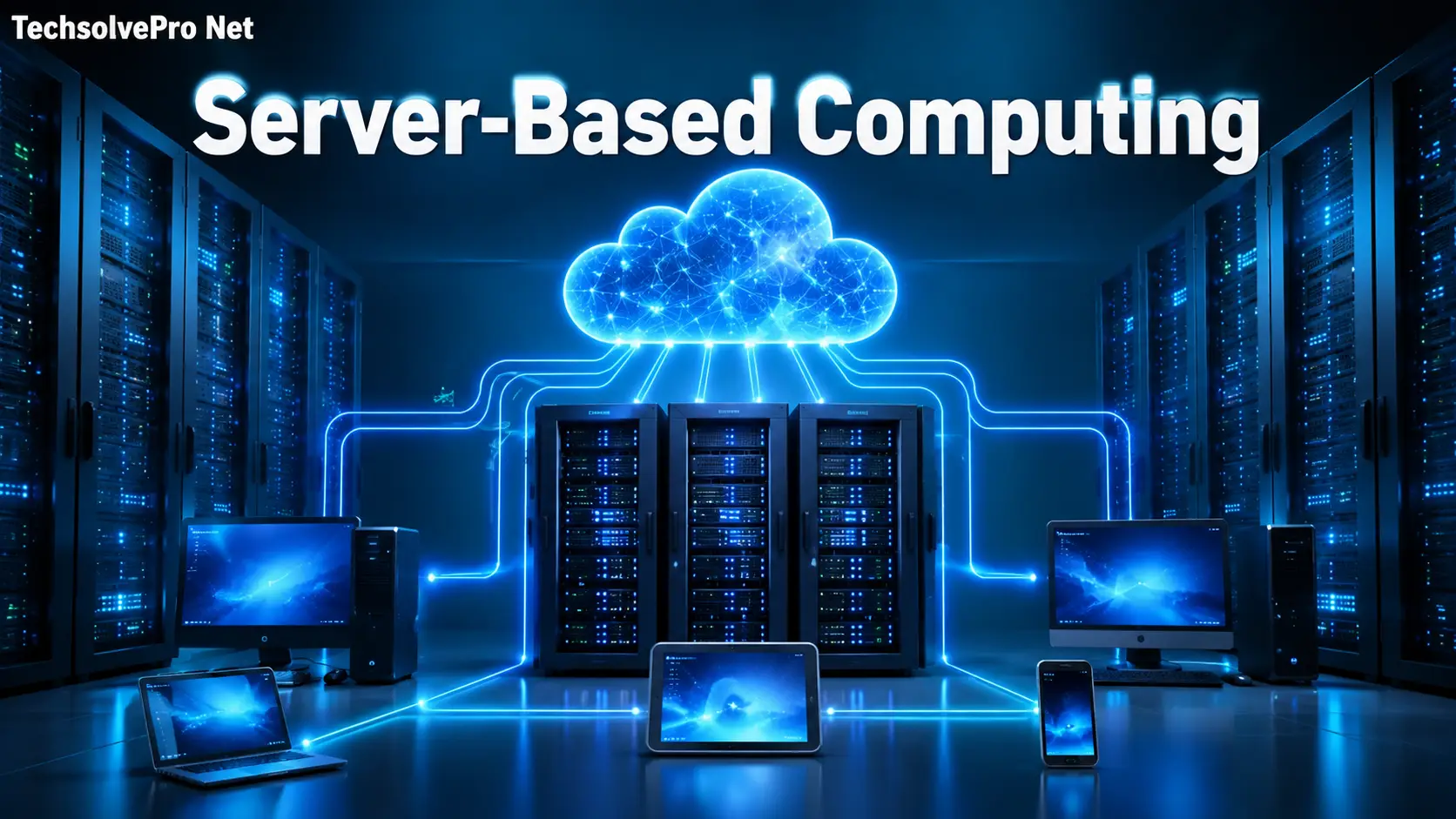
Picture an office where nobody worries about which laptop has the latest software update because every employee has pulling from the same centralized brain. That has the everyday reality for companies running on server-based computing and it has why the model has quietly become the backbone of modern business IT.
If you’ve ever asked what is server based computing and how it actually differs from the desktop setup most of us grew up with, you’re not alone. This guide breaks down the concept in plain terms, walks through how it works and shows where it delivers real value for growing organizations.
What Is Server-Based Computing?
Server-based computing is an IT model where a central server handles the heavy lifting — running applications, storing data and processing requests — while user devices simply display the results and pass along commands. Instead of every laptop or desktop doing its own computing work that work happens in one place.
Employees still interact with familiar software but the actual processing takes place on a machine they never see. Their device acts more like a window into the server and a standalone computers.
Thinks of it like a restaurant kitchen. Customers place order from their tables (the client devices) but every dish gets prepared in a single kitchen (the server). Nobody needs their own stove — they just need a way to place the order and receive the plate.
How Server-Based Computing Works
The mechanics behind server-based computing have simpler. They sound once you break them into steps:
- A user opens an application on their laptop, tablet or thin client.
- That request travels over the network to the central server.
- The server processes the request, running the actual application logic.
- The finished output — screens, data, calculations — gets sent back to the user’s device.
- The user keeps working, unaware that none of the heavy processing happened locally.
This back and forth happens almost instantly on a well-configured network. Which is why the experience feels no different from using locally installed software.
The Role of Client Devices
Client devices in this setup don’t need much horsepower. Since they’re mainly displaying output and capturing input, businesses can equip staff with lower cost hardware including thin clients that have minimal processing components of their own. If you’re comparing compact computers for business or home use, you may also want to read Do Mini Computers Come With Windows 11 and Other Software, which explains what software is included with modern mini PCs.
Server-Based Computing vs Traditional Desktop Computing
Comparing the two model side by side makes the practical differences easy to see.
| Factor | Server-Based Computing | Traditional Desktop Computing |
| Where processing happens | Central server | Each individual device |
| Data storage | Centralized on secure servers | Spread across local drives |
| Software updates | Applied once, available to everyone instantly | Installed separately on every machine |
| Hardware needs | Lighter, cheaper client devices | Full-spec computers for each user |
| Security exposure | Lower, since data rarely leaves the server | Higher, tied to each device |
| Scaling new users | Fast — create an account and assign access | Slower — buy and configure new hardware |
For companies managing dozens or hundreds of employees, that difference in update speed and hardware cost adds up quickly.
Core Components That Make It Work
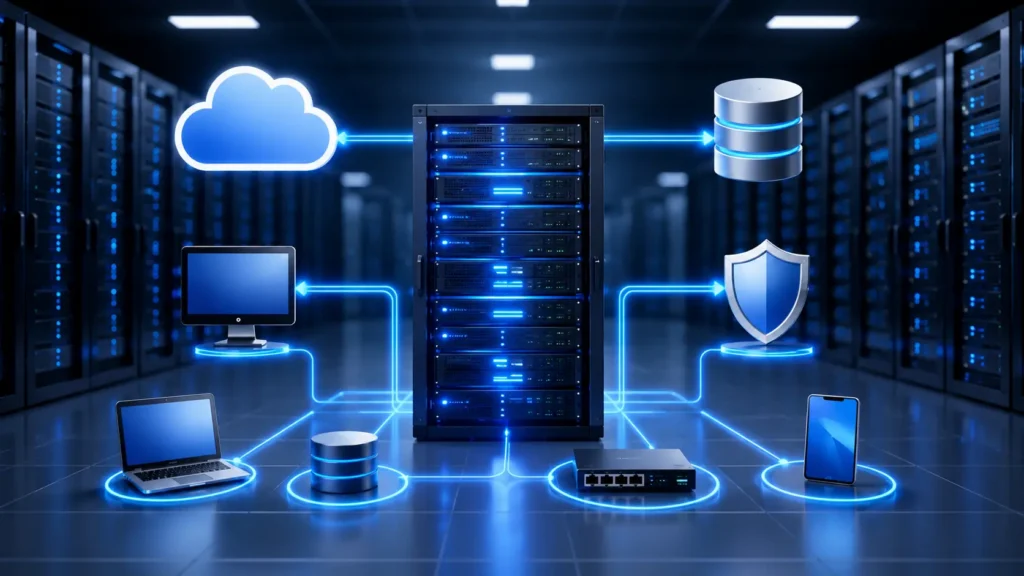
A functioning server-based computing environment relies on a handful of building blocks working together.
Servers carry the actual workload. These machines have built for continuous uptime, high memory capacity and the ability to serve many users simultaneously without slowing down.
Client devices — whether thin clients, laptops, or tablets — serve as the access point. They’re intentionally kept simple since the server does the real work.
Network infrastructure connects the two. Routers, switches and firewalls move data between clients and server. While keeping that traffic secure. Businesses using Windows-based servers should also understand Microsoft’s latest security changes. Our guide on Windows 11 KB5074105 Storage Admin Access Full Guide explains how recent updates affect administrator access and system management.
Centrally hosted applications replace the need to install and maintain software on every single machine. IT teams manage one copy instead of hundreds.
Where Server-Based Computing Fits Best
Certain industries lean on this model more than others largely. Because of the security and consistency it provides.
Healthcare organizations use it to keep patient records and imaging systems centralized. Which supports compliance requirements like HIPAA. While giving providers instant access to the same data.
Financial firms and enterprises rely on it for ERP, CRM and HR platforms. Ensuring every department works from identical and up to date systems.
Educational institutions apply it across computer labs and virtual desktops. Giving students consistent access to coursework tools regardless of which physical machine they sit down at.
Remote and hybrid teams benefit as well. Since virtual desktop setups let employees log into the same environment from home and a co-working space or the office.
Server-Based Computing vs Cloud Computing
People frequently mix these two up and the confusion has understandable. Since cloud computing actually grew out of the server-based model.
Traditional server-based computing typically runs on servers an organization owns and controls And often housed on site or in a private data center. Cloud computing by contrast, uses infrastructure hosted by outside providers and accessed entirely over the internet usually billed based on actual usage.
Cloud setups offer more elastic scalability, while owned server infrastructure gives companies tighter control over exactly where their data lives — an important distinction for regulated industries.
Benefits Worth Knowing
Organizations adopt server-based computing for a consistent set of practical reasons:
- Lower hardware costs since client devices don’t need heavy processing power.
- Centralized updates that eliminate the need to patch software machine by machine.
- Stronger data security because sensitive information rarely leaves the server.
- Simplified IT management with one system to monitor instead of many.
- Faster onboarding for new employees who just need an account and access permission.
Challenges to Plan For
No model is without trade-offs and server-based computing comes with a few worth understanding upfront.
Network dependency sits at the top of the list. If the connection between clients and the server slows down or drops. Users feel it immediately. A poor network turns a smooth experience into a frustrating one fast.
Server downtime carries bigger consequences here. Than in traditional setups since one server issue can affect every connected user at once rather than just a single machine.
Upfront investment can also be a hurdle for smaller businesses. Since quality servers networking equipment and setup work all cost more than handing employees standalone laptops.
Practical Tips for a Smooth Rollout

Company that get the most value from server-based computing tend to follow a few consistent practices:
- Invest in redundant network hardware so a single point of failure haven’t take down access for everyone.
- Schedule regular backup and test disaster recovery plans before you actually need them.
- Size server capacity for peak usage not average usage and to avoid slowdowns during busy periods.
- Pair centralized servers with role-based access controls so employees only reach the systems relevant to their job. Server-based computing is also widely used for AI development and machine learning projects that require centralized computing resources. If you’re interested in practical AI applications, check out our guide on Playing Touhou with Deep Reinforcement Learning. If you need to install older or specialized hardware drivers on Windows systems, see our guide on How to Disable DSE Windows 11 for a safe installation process.
Final Thoughts
At its core, server-based computing is about consolidating effort — one set of servers handling the work that would otherwise be duplicated across hundreds of individual devices. For businesses juggling security requirements, remote teams and rising software costs, that consolidation often translates into real savings and fewer IT headaches. Whether you’re evaluating it for a growing office or a distributed workforce, understanding what is server based computing gives you a clearer lens for deciding if it’s the right fit for your infrastructure.
FAQs
What are the four types of computing?
Computing has often broken into four broad categories:
Personal computing – individual device like desktop, laptops and smartphones used for everyday tasks.
Distributed computing – multiple computers working together over a network to share the workload (includes cloud and server-based models).
Cloud computing – on demand computing resources (storage, processing, software) delivered over the internet by third party provider.
High performance/parallel computing – powerful systems or clusters that process massive workloads simultaneously used for scientific research, simulations and big data analysis.
Some classifications also list quantum computing or edge computing as a fifth or alternate category but the four above have the most commonly cited.
What does IT mean in computing?
IT stands for Information Technology. It refers to the use of computer networks, software and systems to store process, retrieve and transmit data. In a business context “IT” usually refers to the department or infrastructure responsible for managing these technologies.
What is an example of computing?
A simple example: typing a document in Microsoft Word, saving it and printing it involves computing — your device processes your keystrokes, runs the software, stores the file and sends print commands. On a larger scale a bank processing thousands of transactions per second through its servers is also computing in action.
What is computing and its types?
Computing is the process of using computers or computer systems to perform tasks — calculating, processing data, storing information and communicating over networks. Its main types include:
Personal/desktop computing (individual use)
Distributed computing (shared workloads across systems)
Cloud computing (remote, internet-delivered resources)
Server-based computing (centralized processing on servers, with lightweight client access)
Grid/high performance computing (large-scale computation for complex problems)