
If you searched for biochrom resolution software free download, you probably own and have about to buy or a Biochrom UV/Vis spectrophotometer and just want the control software running on your PC without a headache. That’s a fair goal, and this guide walks you through what Resolution software really is, what it costs, and which parts of it you can genuinely download at no charge.
Lab teams often assume instrument software ships the same way a phone app does: tap, install, done. Biochrom’s Resolution platform doesn’t quite work that way, and knowing the difference upfront saves you a wasted afternoon chasing a download link that doesn’t exist.
What Is Biochrom Resolution Software, Exactly?
Resolution has the PC based control and data analysis platform built for Biochrom’s Ultrospec, Libra, Novaspec, GeneQuant, NanoVue, SimpliNano and WPA spectrophotometers. It replaces the instrument’s built in keypad workflow with a full desktop interface for method setup, scanning, kinetics and quantitation.
Instead of manually recording readings off a small screen, technicians get graphing, templated methods, and export tools that plug straight into a lab’s existing reporting habits. That’s the core value proposition, and it’s why so many clinical and QC labs standardize on it.
Who Actually Uses This Software
- Quality control teams running repeat protein or DNA/RNA purity checks
- Life-science labs doing nucleic acid, CyDye, or cell-density quantification
- Regulated environments needing 21 CFR Part 11 audit trails
- Multi-user facilities where several technicians share one spectrophotometer
- Academic labs that want scan overlays and custom method libraries
Is Biochrom Resolution Software Actually Free?
Here’s the honest answer: no, not the full working software. Resolution is licensed instrument-control software, and distributors like Fisher Scientific list the Life Science version at roughly $5,600 as a standalone purchase. It has typically bundled with a new spectrophotometer purchase rather than sold as a standalone download.
So if a site promises a complete biochrom resolution software free download with no license key, no invoice and no vendor contact. It treats that as a red flag rather than a shortcut. Software tied to regulated lab instruments isn’t something legitimate manufacturers give away through random third party file hosts, and installers from unofficial sources carry real malware risk on machines connected to lab networks.
What You CAN Legitimately Get for Free
Not everything requires a purchase order. Biochrom and its parent company, Harvard Bioscience, do publish several free resources
| Resource | Cost | Where to Get I |
| Product brochures and datasheets | Free | Harvard Bioscience / Biochrom website |
| Minimum system requirements guide | Free | Biochrom support portal |
| User manuals (PDF) | Free | Biochrom support portal |
| Software version comparison guides | Free | Manufacturer support articles |
| Full Resolution / Resolution CFR license | Paid | Authorized distributor or with instrument purchase |
If your lab already owns a Biochrom spectrophotometer, contact your distributor or Biochrom support directly. Existing customers are the ones most likely to be offered a trial license or an upgrade path at reduced or no extra cost, especially when replacing an aging PC.
The Four Resolution Software Versions Explained
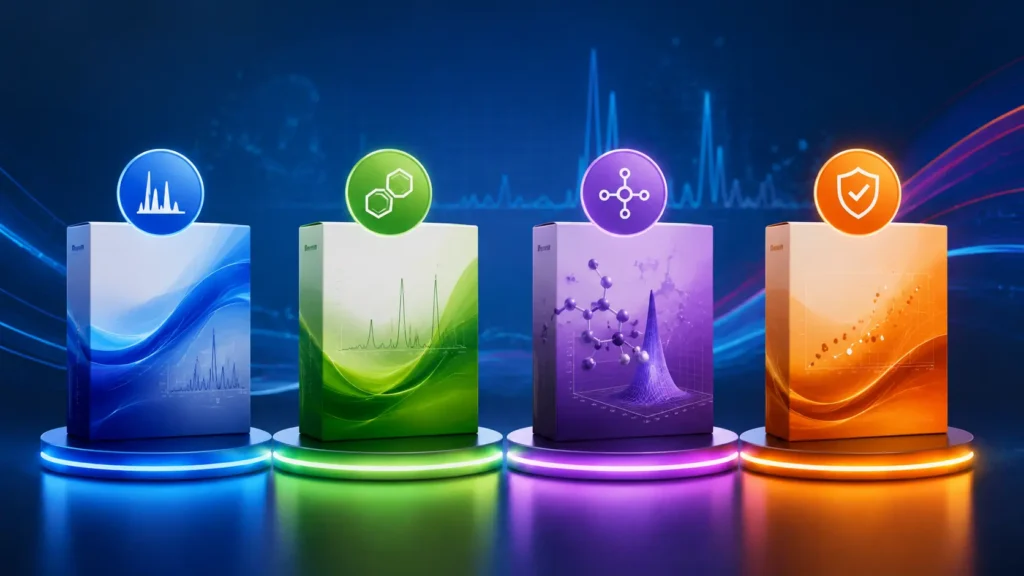
Resolution isn’t one single product; it’s a tiered family, and picking the right tier matters more than chasing a free copy of the wrong one.
Resolution Lite covers basic data acquisition through a Quick Read module — ideal for simple absorbance checks with minimal setup.
Resolution (Standard) adds full routine measurement capability, method building, and graphical manipulation for everyday lab work.
Resolution Life Science layers in preprogrammed protein and nucleic acid quantification methods, plus cell density and CyDye measurement tools.
Resolution CFR is the compliance focused tier, adding audit trails and electronic signatures for labs that must meet 21 CFR Part 11.
System Requirements Before You Install Anything
Even a properly licensed installer will fail on the wrong machine. Confirm your PC meets Biochrom’s published minimum specifications before you request or download any installer.
Administrative rights on the PC are mandatory for installation, and the software historically supports Windows XP through Windows 10 (32-bit and 64-bit), depending on which release you’re issued. Older lab PCs running unsupported operating systems are the single most common cause of failed installs.
Compatible Instruments at a Glance
Resolution doesn’t work with every Biochrom device. Colorimeters and cell density meters are excluded. It’s built specifically for the UV/Vis spectrophotometer line, including Ultrospec, Novaspec, Libra, GeneQuant, NanoVue, SimpliNano, and WPA models.
Double-check your exact instrument model against the compatibility list on Biochrom’s support site before requesting a license, since some older or discontinued models may only support earlier Resolution builds.
How Data Export Actually Works in Practice
One reason labs stick with Resolution long-term is flexible reporting. Once a run finishes, results export directly into formats teams already use for audits and publications.
Supported export formats include Microsoft Excel, Word, Extended Metafile, HTML, PDF, and rich text, which means a QC technician can generate a client-ready report without retyping a single value from the instrument screen.
Installation and Support Tips That Save Time
Getting Resolution running smoothly has less about finding a download link and more about preparation. Uninstall any prior spectrophotometer software version first, confirm your Windows edition matches the supported list and have your license or dongle information ready before contacting support.
Keep your instrument’s serial number handy too. Biochrom support typically asks for it to confirm which Resolution build and method library apply to your specific spectrophotometer.
A Smarter Search Than “Free Download”

If budget is the real concern, reframe the search. Ask your distributor about trial licenses, refurbished-instrument bundles that already include Resolution, or academic pricing programs, since many manufacturers offer discounted software for university labs even when a public free download doesn’t exist.
Comparing quotes from two or three authorized Biochrom distributors also frequently surfaces bundled software pricing that beats buying Resolution as a standalone add on later.
Final Thoughts
Chasing a biochrom resolution software free download will mostly lead to outdated brochures, support articles or risky third party installers. Because the real software is licensed not freeware. The smarter path has contacting Biochrom or an authorized distributor directly, confirming which of the four Resolution tiers actually matches your spectrophotometer and workflow and asking about bundled or trial licensing before assuming a full free copy has out there waiting to be found.
FAQs
Is Biochrom Resolution software free to download?
No. Resolution is commercial, licensed software typically sold with a Biochrom spectrophotometer or purchased separately through an authorized distributor, with the Life Science tier priced around $5,600.
What’s the difference between Resolution and Resolution CFR?
Resolution CFR includes everything in standard Resolution plus audit trails and electronic signature controls needed for 21 CFR Part 11 regulatory compliance in validated lab environments.
Which spectrophotometers work with Resolution software?
Ultrospec, Libra, Novaspec, GeneQuant, NanoVue, SimpliNano, and WPA models are compatible; Biochrom colorimeters and cell density meters are not supported.
Can I get a free trial of Resolution software?
Trial or demo availability hasn’t publicly listed. So contact Biochrom support or your authorized distributor directly to ask about a trial license for your specific instrument model.