
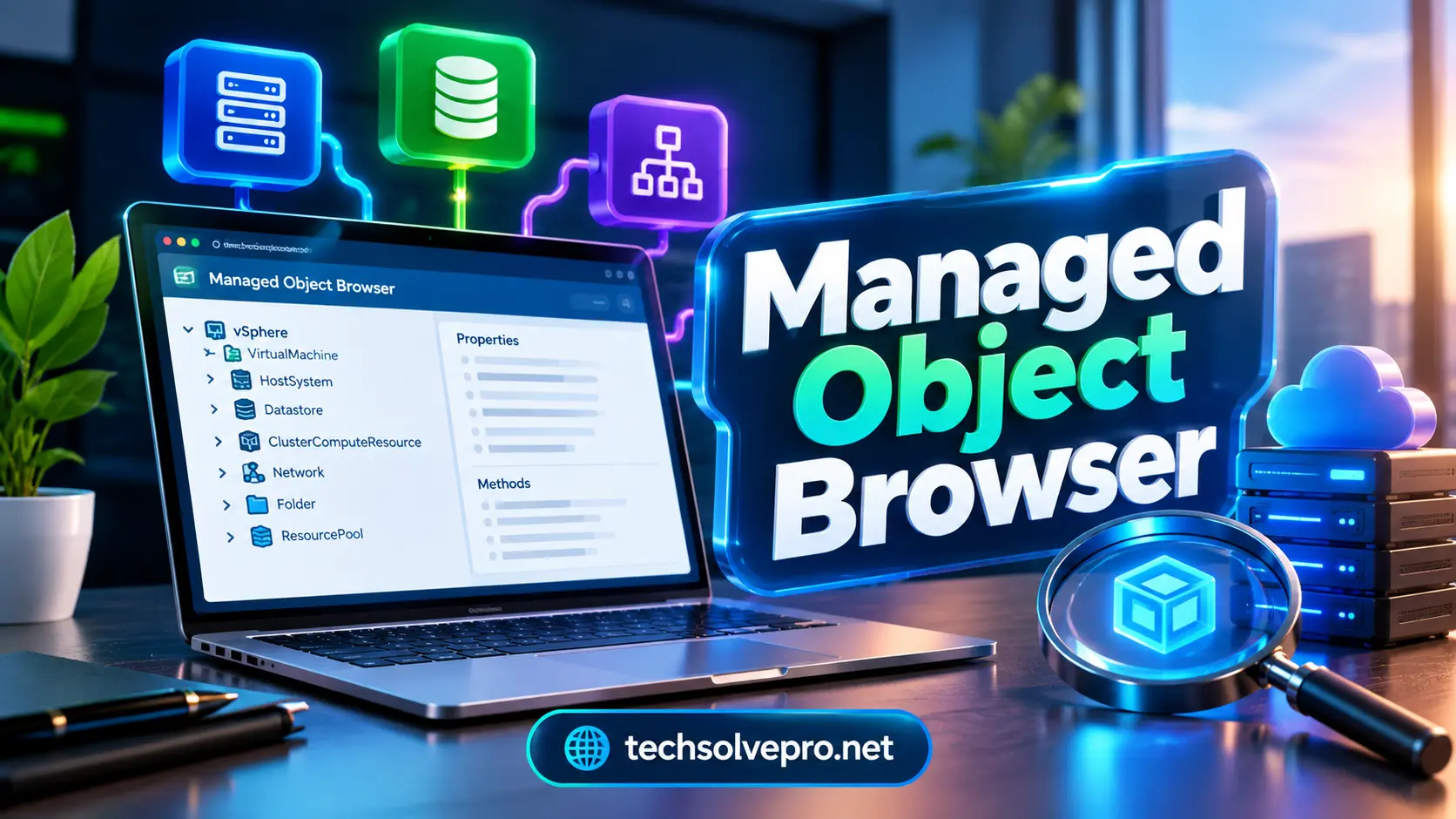
If you manage VMware infrastructure the managed object browser can give you a much deeper look at what is happening behind the normal vSphere interface. It exposes objects properties relationships and methods that administrators may not easily see in the standard client.
For experienced VMware administrators and developers this deeper visibility can make troubleshooting API testing and object identification much easier. However because the MOB can expose powerful server operations it should be used carefully and only by authorized users.
What Is a Managed Object Browser?
The Managed Object Browser commonly called MOB is a web based interface associated with VMware vSphere. It allows administrators and developers to inspect the live object model used by vSphere.
Instead of showing only the simplified information available in the regular vSphere Client the MOB lets you navigate through managed objects and examine their properties and available methods.
A managed object can represent different parts of a virtual environment, including virtual machines hosts datastores networks clusters folders and management services.
VMware documentation describes the MOB as a graphical interface for navigating server objects and invoking methods. Changes made through applicable MOB operations can take effect directly on the server which explains why administrators should treat it as an advanced management interface.
Why Does the MOB Matter?
The biggest advantage is visibility.
A normal management interface is designed to make administration easier. That means it often hides technical details that developers or advanced administrators may need.
The MOB provides a closer look at the underlying vSphere object model. This can help when a monitoring platform asks for an object reference an automation script needs a specific property or a troubleshooting task requires information that is not obvious in the graphical client.
For example, an administrator might need to confirm a host’s exact object name or inspect a particular property before creating an automation workflow.
The MOB can also help bridge the gap between what you see in vSphere and what VMware’s APIs actually work with.
Key Objects You Can Explore
The usefulness of the MOB becomes clearer when you understand the types of objects it exposes.
| Object | What You May Inspect | Common Reason |
| Virtual Machine | Configuration and runtime properties | Troubleshooting |
| Host System | Host details and state | Server checks |
| Datastore | Storage information | Capacity investigation |
| Cluster | Resource and management details | Infrastructure review |
| Network | Network related objects | Connectivity analysis |
| Folder | Inventory relationships | Object navigation |
These objects are connected through the vSphere object model. Following those relationships can help administrators understand how different infrastructure components interact.
For example a virtual machine may connect to a host datastore network folder and cluster. Examining those relationships can reveal useful information when diagnosing an unusual configuration.
How the MOB Works
At a basic level, the MOB presents the servers managed objects through a browser interface.
Each object has its own information properties, and relationships. Depending on the object and your permissions the interface may also expose methods that can be invoked.
This makes the MOB different from a simple monitoring dashboard.
A dashboard normally summarizes information. The MOB gives you access to the underlying object structure used by the platform.
That distinction is important because the interface is intended for technical investigation rather than everyday point and click administration.
Managed Object References Explained
A Managed Object Reference often shortened to MoRef identifies a particular managed object within the vSphere environment.
MoRefs become particularly useful when working with automation tools APIs scripts and third party management applications.
Technology platforms For example a tool may identify a particular virtual machine through its managed object reference instead of relying only on the VM’s display name.
This can make object identification more precise when large environments contain many similarly named resources.
How to Access the MOB

Access depends on the VMware environment and version you are running.
Historically administrators could access the interface through a browser using an address similar to:
https://your-vcenter-server/mob
Managed Object Browser environment may also expose the MOB through an ESXi host address. Veritas documentation for example describes using the /mob path to verify VMware server information.
However do not assume that simply adding /mob will always work.
In modern vSphere environments the MOB may be disabled by default. Broadcom states that starting with vSphere 6.0 the Managed Object Browser was disabled default to reduce the possibility of unwanted or malicious configuration changes.
When Should You Use It?
The MOB is most useful when the standard vSphere interface does not provide enough technical detail.
Common situations include:
- Investigating unusual virtual machine properties
- Finding specific managed object references
- Checking server or host information
- Troubleshooting API related problems
- Verifying object relationships
- Testing or understanding vSphere API behavior
- Supporting automation and PowerCLI development
- Confirming information required by third party applications
It is especially useful for administrators who already understand VMware’s object model and API concepts.
For routine tasks such as powering on a VM changing a normal setting or reviewing capacity the standard vSphere Client is generally easier and safer.
MOB vs vSphere Client
The two interfaces serve different purposes.
| Feature | Managed Object Browser | vSphere Client |
| Main purpose | Technical inspection | Everyday administration |
| Interface | Basic web interface | Full graphical interface |
| Object details | Deep and technical | Simplified |
| API visibility | High | Limited |
| Automation use | Very useful | Less direct |
| Risk of misuse | Higher | Lower |
| Best for | Developers and advanced admins | General administrators |
The vSphere Client is designed around usability. The MOB is designed around deeper access to the underlying object model.
That is why an experienced administrator may use both rather than treating one as a replacement for the other.
Security Risks You Should Know
The power of the MOB is also its biggest concern.
If an administrator can invoke methods or change server state through the interface mistakes can have real consequences. Broadcom specifically notes that the MOB is disabled by default because of the possibility of malicious configuration changes or actions.
For that reason avoid treating the MOB like an ordinary web page.
Use strong authentication limit access to trusted administrators and avoid leaving the interface unnecessarily enabled.
A safer approach is to enable access only when there is a legitimate administrative or troubleshooting requirement and disable it afterward when appropriate.
Common MOB Problems
One of the most common problems is finding that the MOB does not open.
This does not automatically mean that VMware is broken. The interface may simply be disabled.
Broadcom provides configuration steps for enabling or disabling the MOB through the vSphere Client and advanced host settings. The exact process depends on the vSphere version and environment.
Other issues can include authentication failures insufficient permissions unavailable objects or differences between ESXi and vCenter configurations.
Before making changes confirm the platform version user privileges target server and purpose of the operation.
Troubleshoot It Safely
When something does not work start with simple checks rather than immediately changing advanced settings.
- Confirm the correct vCenter or ESXi address.
- Check whether the MOB is enabled.
- Verify that your account has appropriate permissions.
- Confirm that the target object actually exists.
- Check whether your vSphere version supports the required operation.
- Review VMware or Broadcom documentation before invoking unfamiliar methods.
This approach reduces unnecessary changes and makes troubleshooting easier to document.
Is MOB Still Useful Today?

Yes but its role is more specialized than everyday administration.
Modern Managed Object Browser environments provide graphical management tools APIs PowerCLI automation platforms and monitoring systems. These options can handle many tasks that administrators previously approached through lower level interfaces.
Still, the MOB remains valuable for investigating the vSphere object model and understanding how objects and API methods behave.
For developers automation engineers and advanced administrators that technical visibility can extremely useful.
The important point is to use the MOB for the right job instead of relying on it for routine administration.
Final Thoughts
The managed object browser remains a useful technical interface for administrators who need deeper visibility into VMware’s object model. It can help with object discovery API investigation troubleshooting and automation work that goes beyond the normal vSphere Client.
Its power also demands caution. Keep access restricted verify every operation and use current VMware or Broadcom guidance before changing advanced settings.
When used carefully the MOB can turn a confusing infrastructure problem into a much clearer technical investigation.
FAQs
What is a managed object browser?
A managed object browser is a web based interface that lets administrators inspect managed objects inside an infrastructure platform. In VMware environmentsthe MOB exposes vSphere objects properties relationships and available methods for deeper technical investigation.
What are some common interview questions for VMware administrators?
The MOB can safe when used by authorized administrators who understand the operations they are performing. However it can expose powerful functions so access should remain restricted and unnecessary changes should be avoided. Broadcom notes that the MOB is disabled by default in vSphere 6.x and later.
What is VMware used for?
The MOB is mainly useful for VMware administrators developers automation engineers and technical support teams who need access to detailed object information or API related data. Beginners should generally use the standard vSphere Client for routine administration.